Device App
Install the app
Download and install the LG CreateBoard Lab app on each platform.
(#TBD. 플랫폼별 다운로드 링크 추가)
Start with a new board
When you launch the app, you’ll see the options to open a board. You can start with a blank board, create a board from templates, or import an existing board stored on your device or in the cloud.
Sign in
You can use limited features in guest mode without signing in, or sign in and get full functionality.
Sign in benefits
-
Customized options: You can save your custom settings that can be used on any board within LG CreateBoard Lab. You can also customize the Image Slide.
-
Reusable objects: You can save frequently used objects and reuse them at any time.
-
Collaboration with others: You can use the Collaboration feature that enables you to create a class in the cloud, share boards with multiple users, and carry out interactive classes or meetings.
- Select
morein the toolbar to open the full menu. SelectAccountandsign in.
- A web browser will open and direct you to LG Business Cloud portal site. LG Createboard Lab is one of the services on LG Business Cloud, and it is available by signing up for the LG Business Cloud portal. Select
Sign inin the top right corner on the portal.
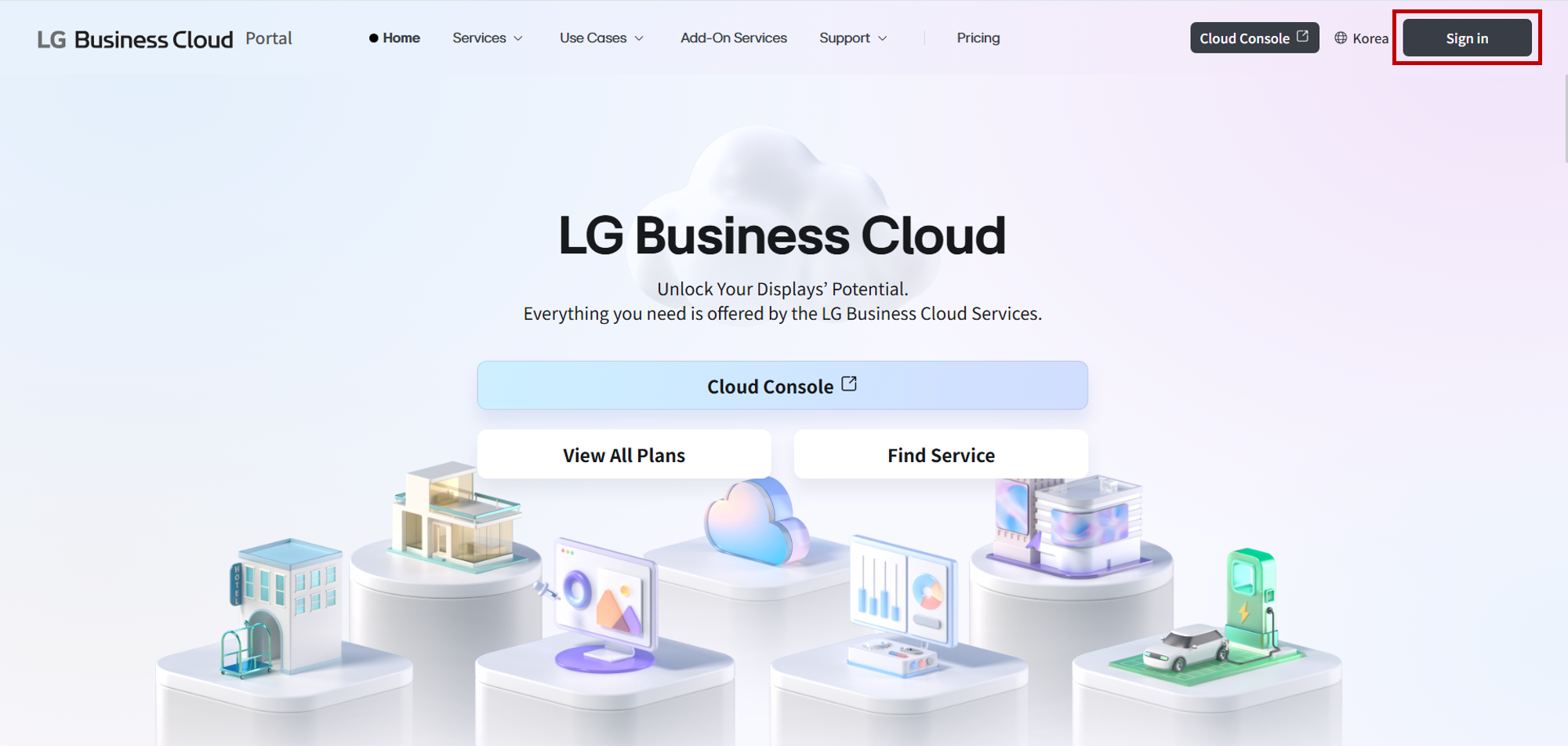
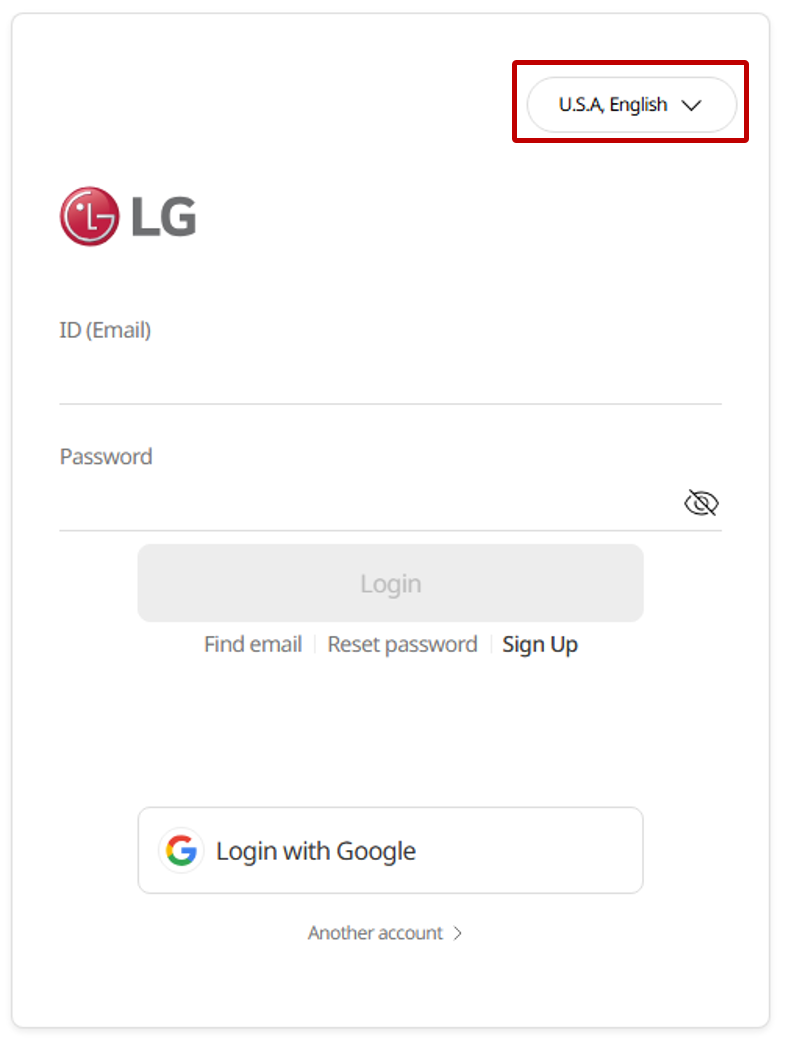
- Sign in with your account. When signing in with LG Account, ensure that the region setting marked by the red box in the figure below is set to the region you’re signed up for.
Enter the partner code
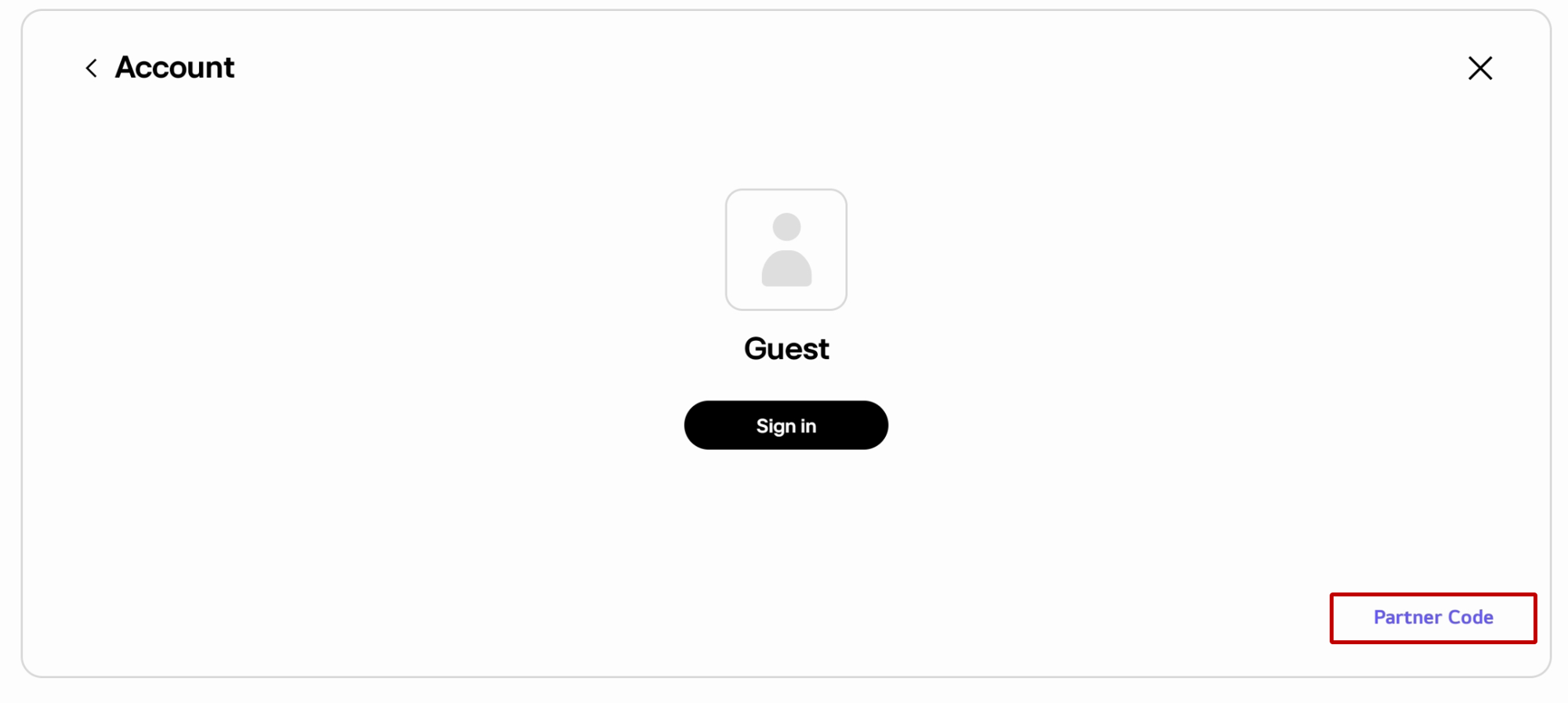
LG Electronics can offer additional features to partners by prior arrangement. If you have a partner code from LG Electronics, you can enter it to access additional features specific to you.
-
Select
morein the tool bar to open the full menu and selectAccount. -
Select
Partner Code.
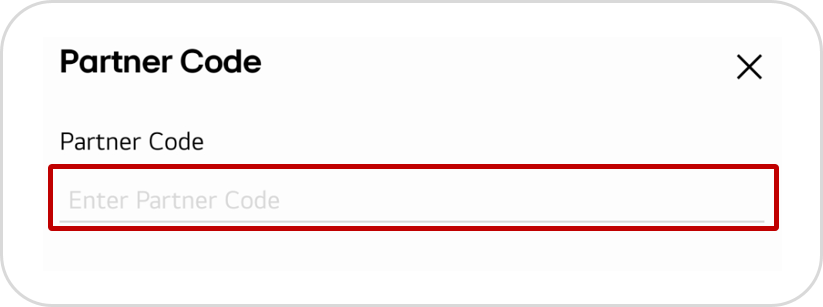
- Enter your code.
See also
Go to the pages below to explore the app’s basic menu structure and learn more about how to edit the board.