Scroll
How to access
If the Tool bar already displays the Scroll button, you can simply tap it to execute. Otherwise, tap the More button to display the entire menu and then choose Scroll.
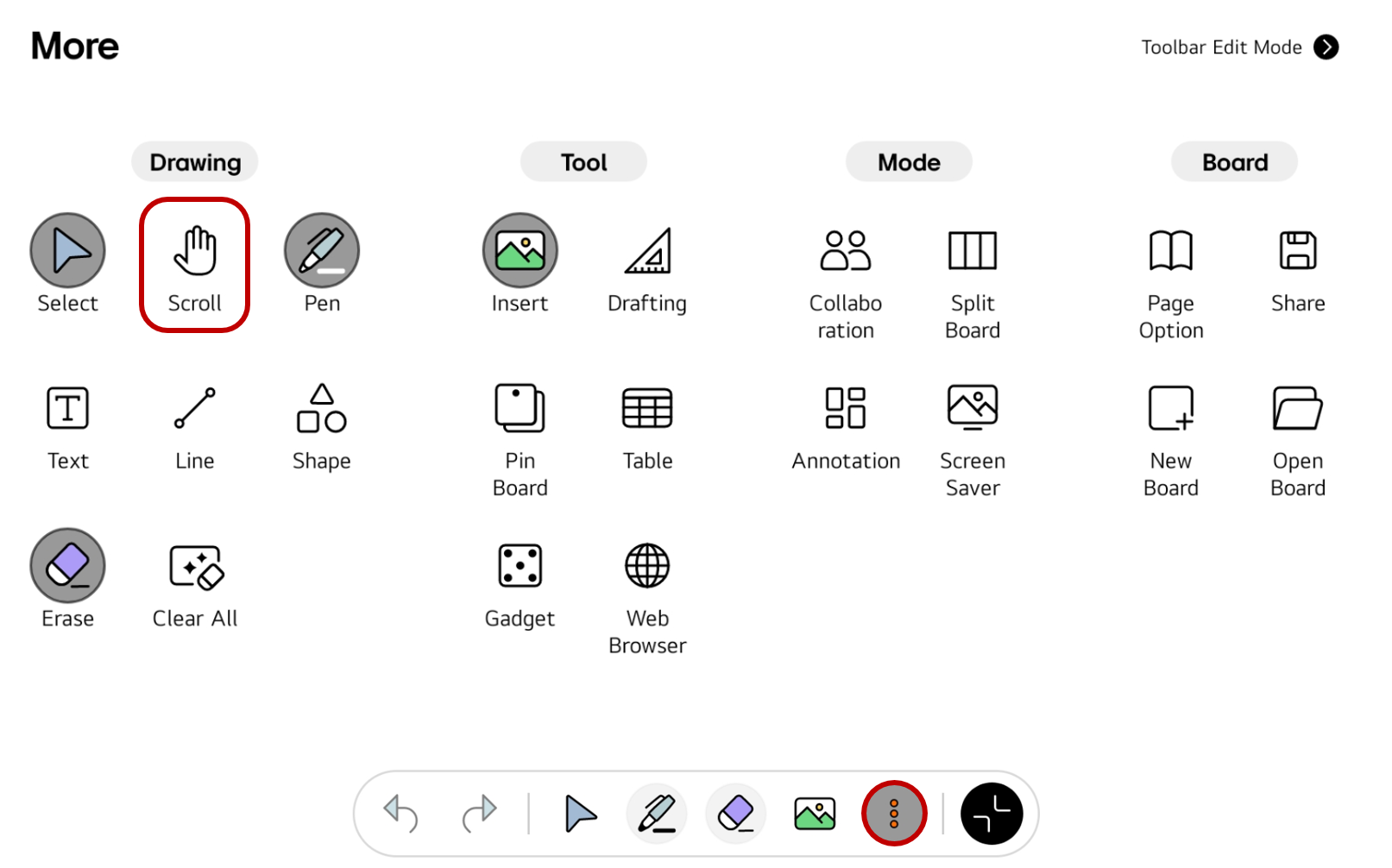
If you frequently use this item, refer to Customize Tool bar to pin it to the Tool bar for easy access.
Usage & tips
In Scroll mode, you can swipe the screen with your finger to move the page up and down or left and right.
Set the scroll direction
Up/down
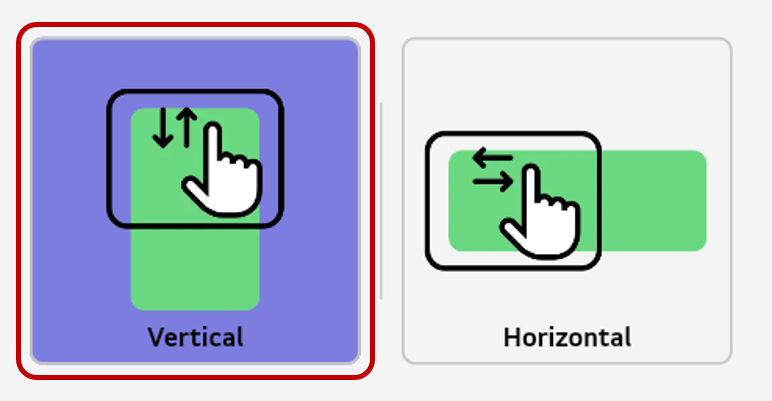
You can move a page up and down if the scroll direction is set to Vertical.
-
Select
Morefrom the tool bar to open the full menu. -
Select
Scroll DirectioninSettings. -
Select
Vertical.
Left/right
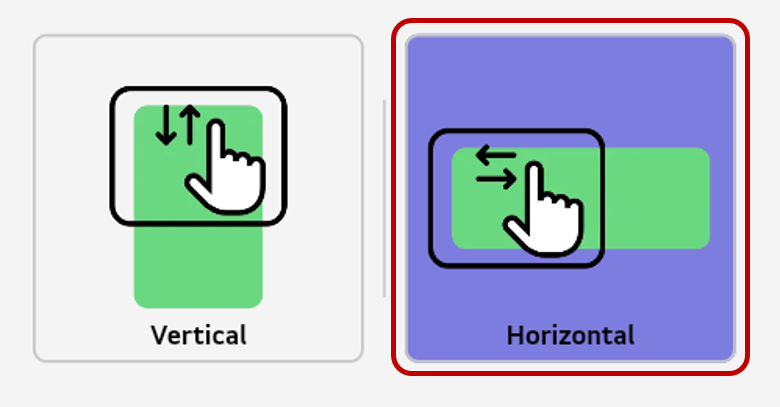
You can move a page left and right if the scroll direction is set to Horizontal.
-
Select
Morefrom the tool bar to open the full menu. -
Select
Scroll DirectioninSettings. -
Select
Horizontal.
🚫
The content of this document may differ from the actual operation of LG CreateBoard Lab and is subject to change without notice.