Pin Board
How to access
If the Tool bar already displays the Pin Board button, you can simply tap it to execute. Otherwise, tap the Pin Board button to display the entire menu and then choose Pin Board.
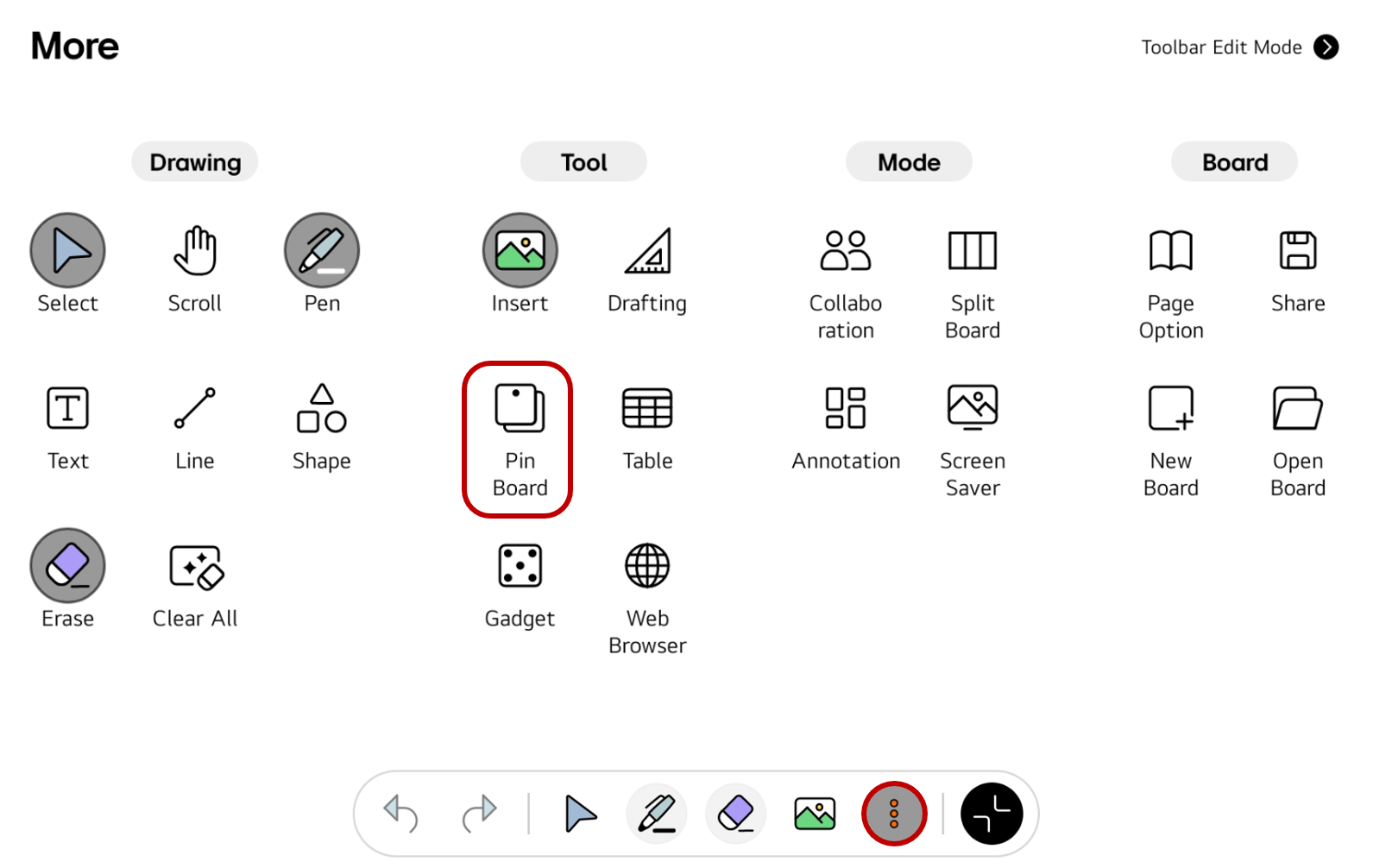
If you frequently use this item, refer to Customize Tool bar to pin it to the Tool bar for easy access.
Usage & tips
Insert a Sticky note
Pin Board is an easy-to-use memo tool that always floats on the board screen, just like Post-it notes stuck on a chalkboard. You can minimize it or easily move it to the desired location, making efficient use of the board screen space.
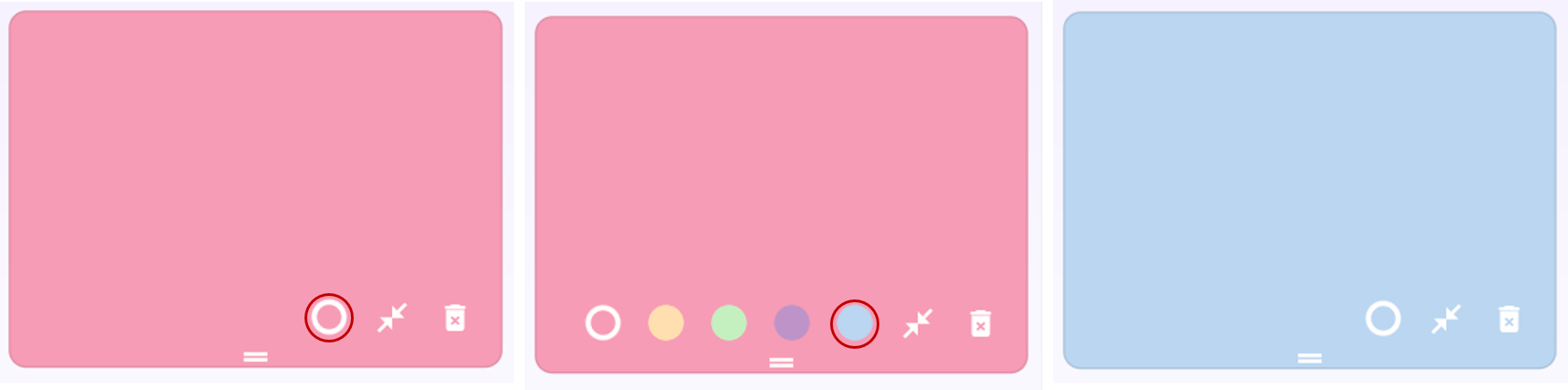
Change the background color of the note
Tap the button in the top left corner of the note to change its background color.
Delete the Sticky note
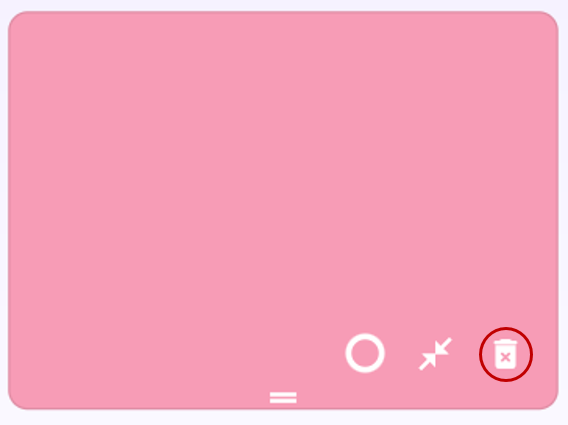
Notes on the Pin Board cannot be deleted using Clear All. Tap the trash bin icon on each note to delete it.
🚫
The content of this document may differ from the actual operation of LG CreateBoard Lab and is subject to change without notice.