Split Board
How to access
If the Tool bar already displays the Split Board button, you can simply tap it to execute. Otherwise, tap the More button to display the entire menu and then choose Split Board.
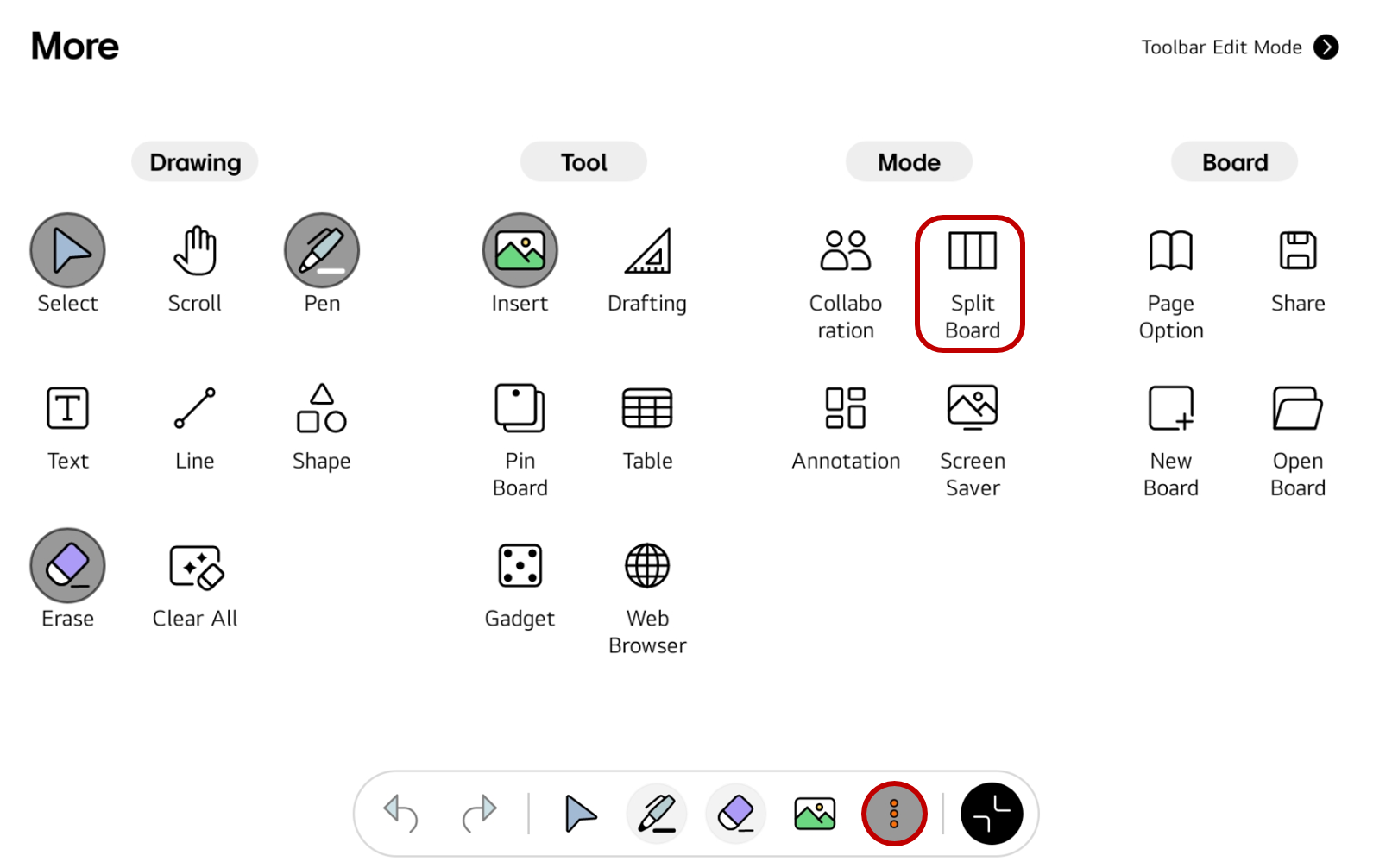
If you frequently use this item, refer to Customize Tool bar to pin it to the Tool bar for easy access.
Usage & tips
The Split Board is a mode that divides the board into multiple sections. Each section is provided with a pen and an eraser for writing.
Start the Split Board
-
Tap the
Split Boardand select the desired section layout. -
The board area is divided into multiple sections according to the selected layout. Write on each section using the pen and eraser provided.
Change the layout
While using the Split Board, you can change the layout by tapping the button at the bottom right of the board.
End the Split Board
To exit the Split Board, select the Exit button at the bottom right of the board.