Clear All
How to access
If the Tool bar already displays the Clear All button, you can simply tap it to execute. Otherwise, tap the More button to display the entire menu and then choose Clear All.
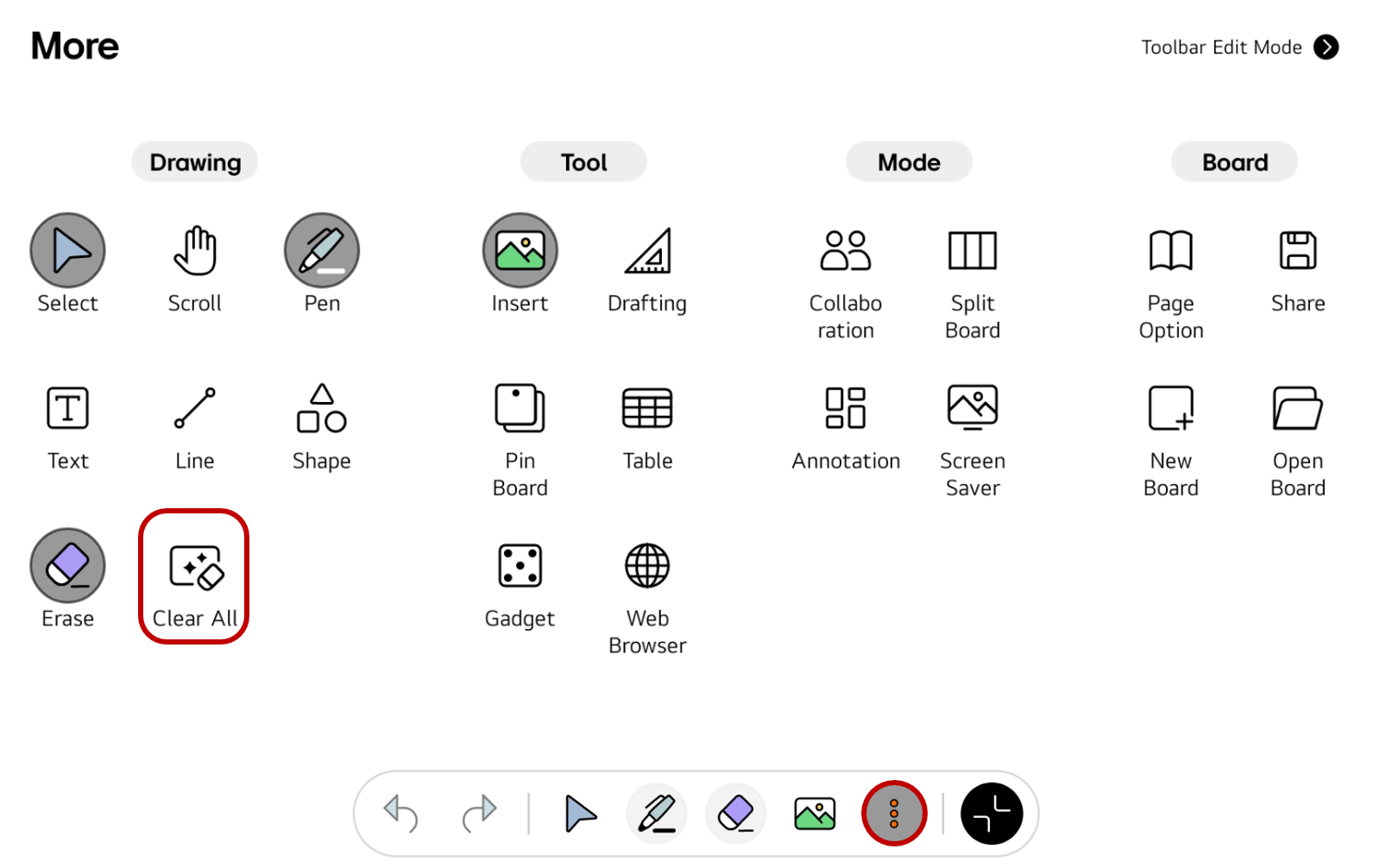
If you frequently use this item, refer to Customize Tool bar to pin it to the Tool bar for easy access.
Usage & tips
The Clear All mode allows you to remove all the objects, except for sticky notes, from every page on the board.
ℹ️
Sticky notes are NOT deleted using
Clear All.
Choose Clear All in the Tool bar. All the objects except for a sticky notes will be deleted.
🚫
The content of this document may differ from the actual operation of LG CreateBoard Lab and is subject to change without notice.